Campus Enterprise
Asteria OpenWiFi Controller
Campus Enterprise
Asteria OpenWiFi Controller
- Quick Start Guide
- ZTP & Rapid Provisoning
- Multi-Dimensional Monitoring
- One-Click Device Updates
- Built-in AAA Server
- Alarm System


Asteria Campus Controller
Function Highlights
Asteria Campus Controller
Function Highlights
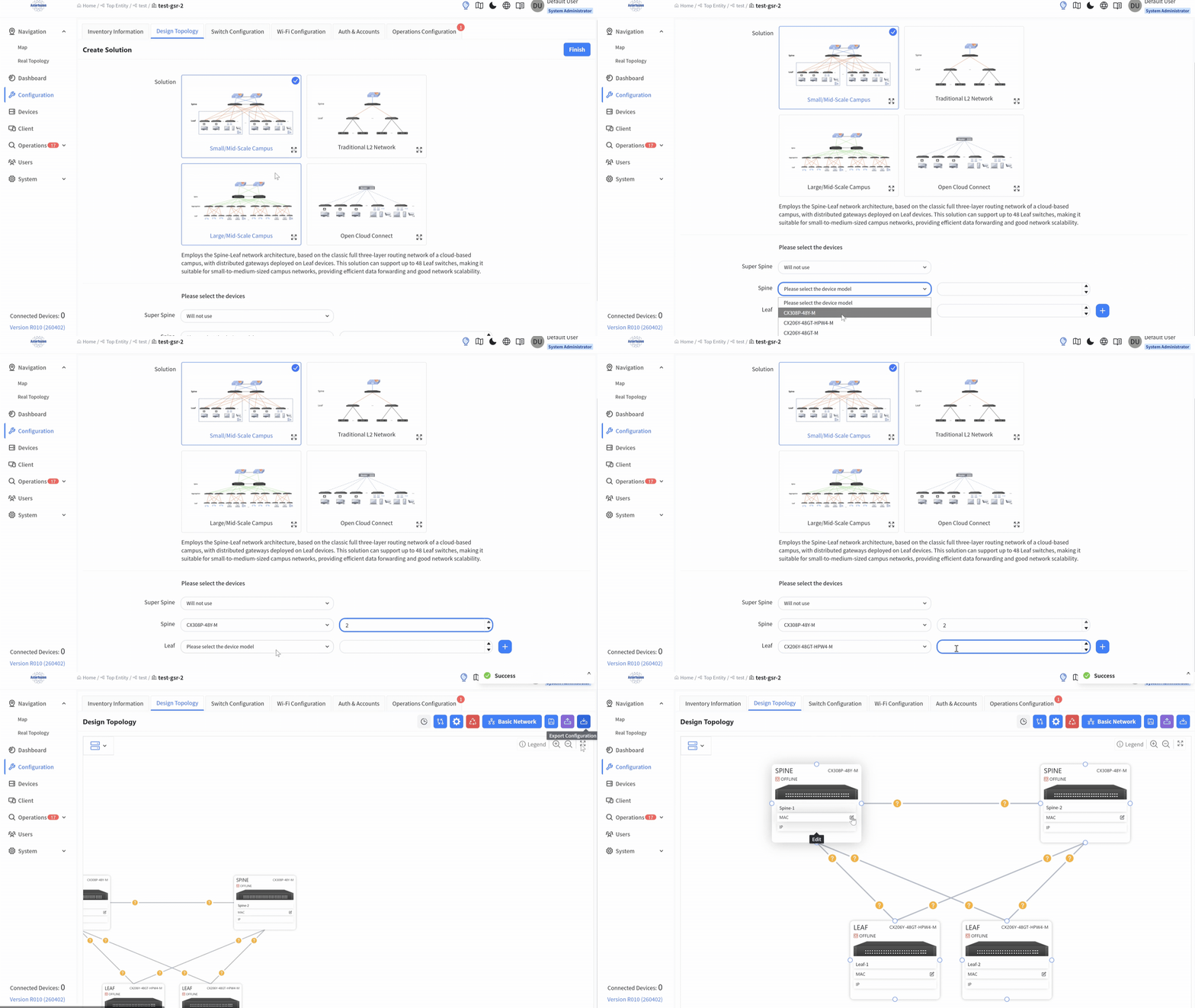
ZTP & Rapid Provisoning
-
Zero-Touch Provisioning (ZTP)
-
Pre-design Topology
-
Basic Network Configuration
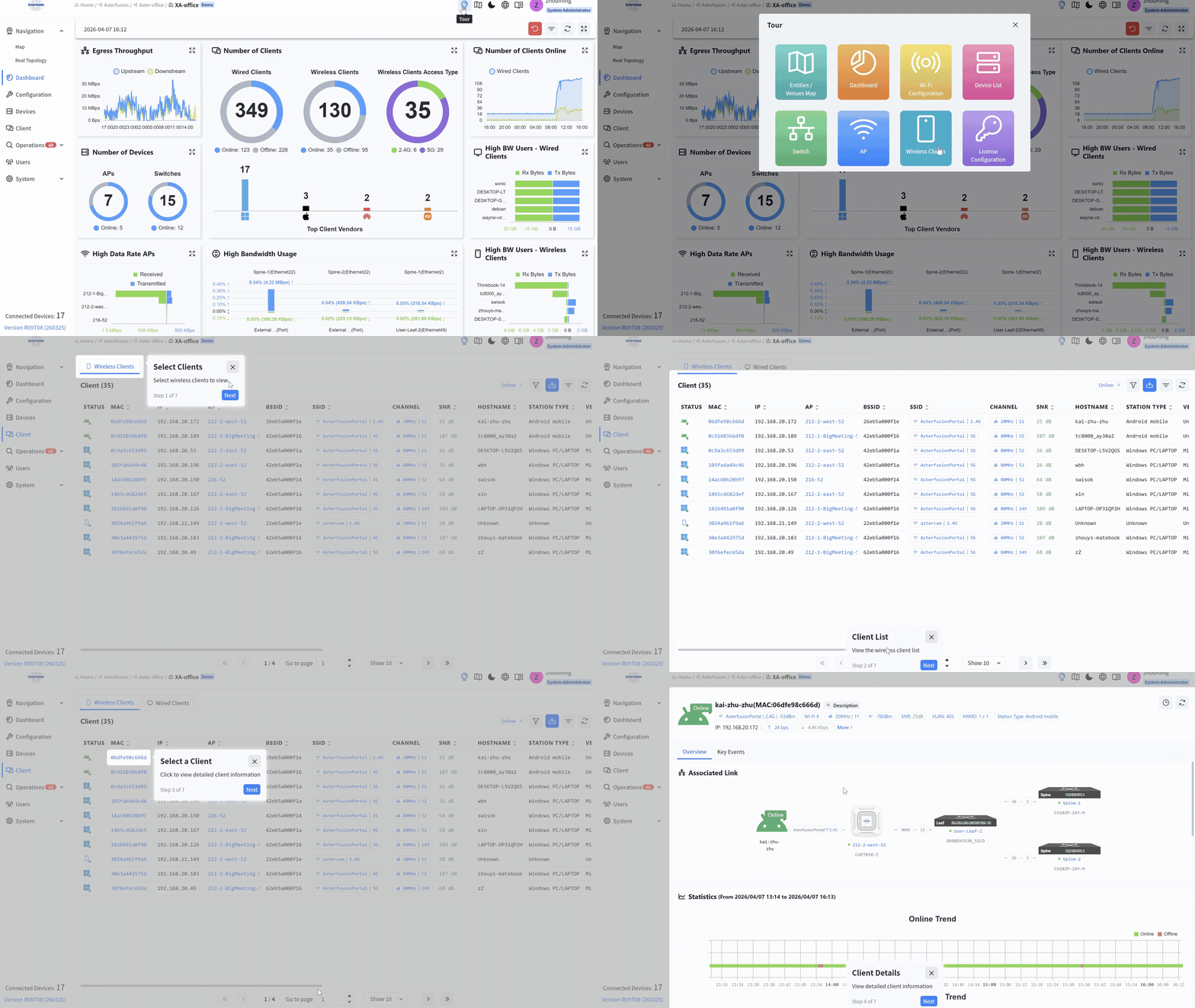
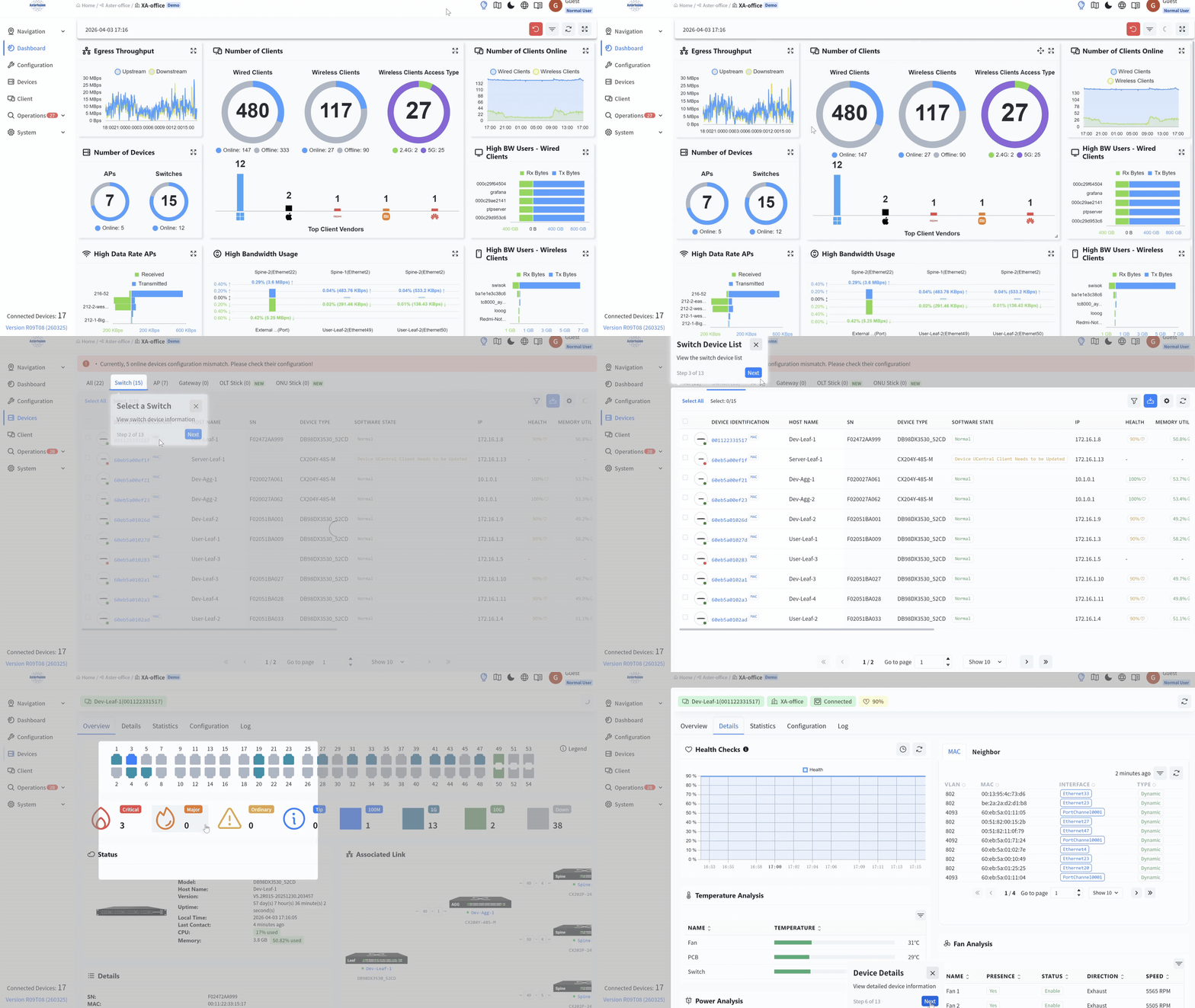
Multi-Dimensional Monitoring
-
Entire Network Perspective
-
Granular Node Diagnostics
-
Timeline Events for AP & Client
-
PON Network Integration
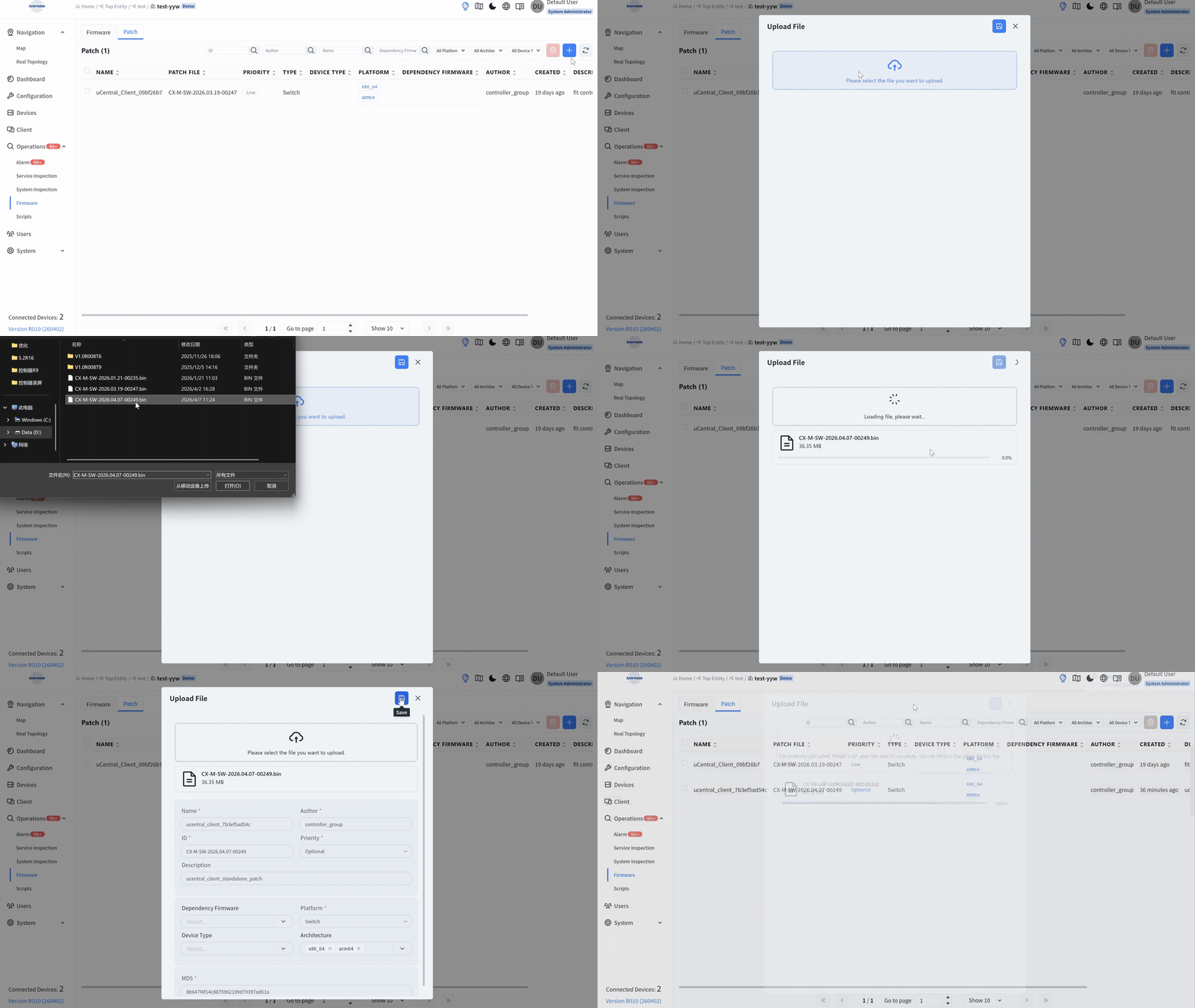
One-Click Updates
-
Firmware-Based Upgrade
-
Custom Script Upgrade
Built-in AAA/DHCP
-
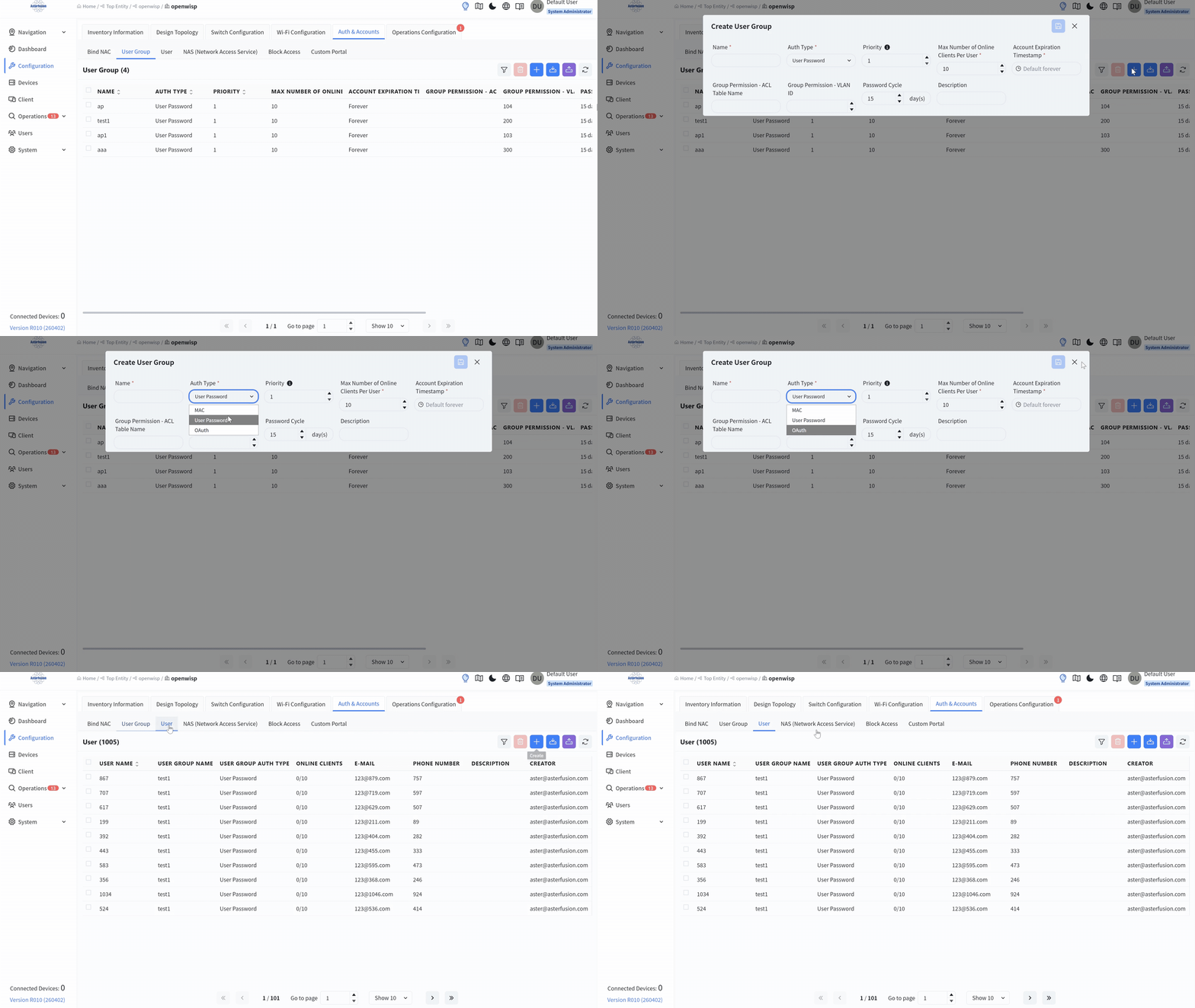
Diverse Authentication
-
Multi-tenant Management
-
High-performance DHCP
Alarm System
-
Comprehensive Alarm Sources
-
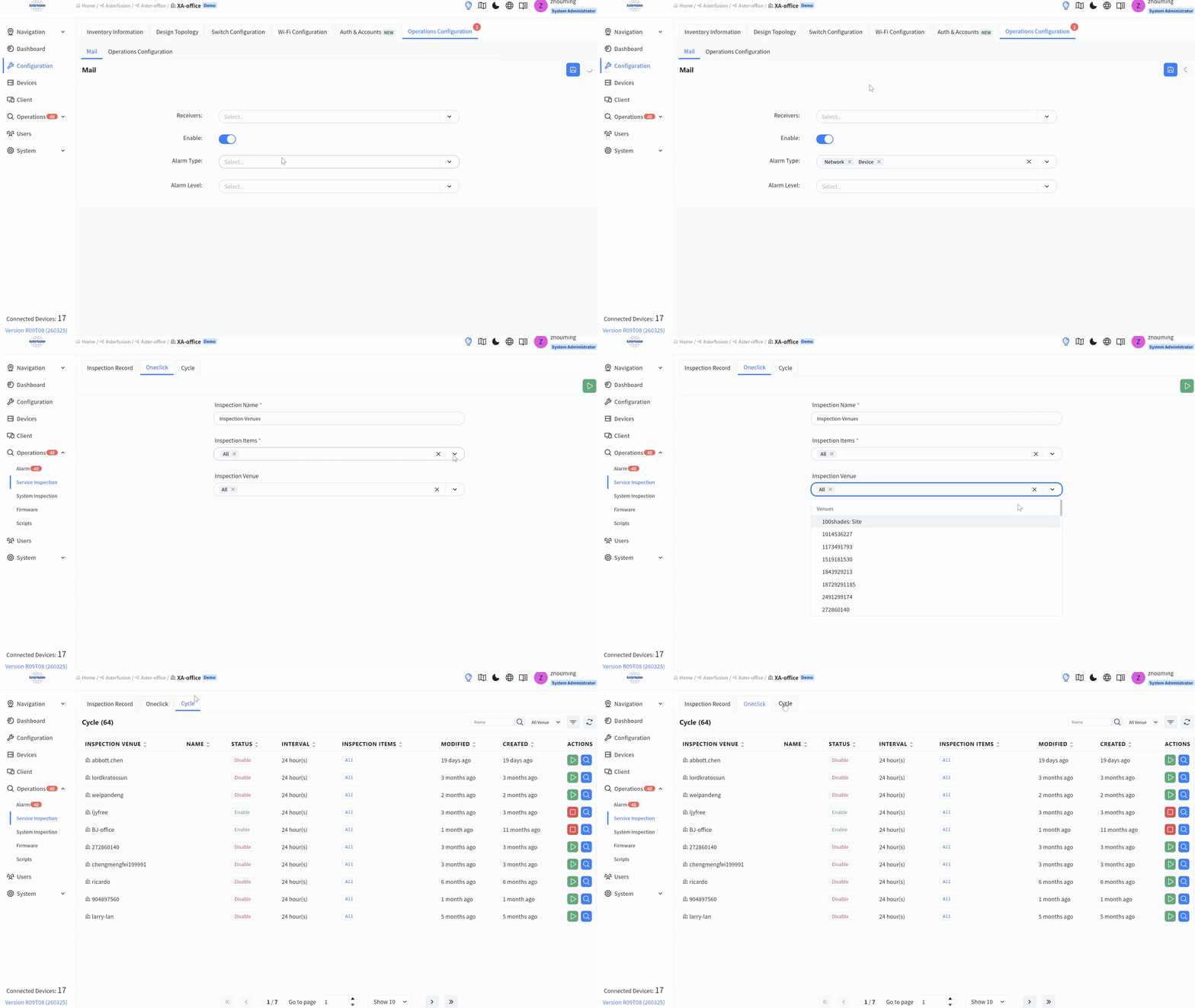
Flexible Alarm Notification
-
One-Click Inspection
Campus Controller Supported Features
|
Frequently Asked Questions
To ensure stable operation, the deployment environment should meet the following conditions:
-
Operating System: Ubuntu 18.04 LTS or higher.
-
Containerization Engine: Docker 20 or higher (must support docker-compose).
-
Hardware Architecture: x86 architecture servers are recommended; ARM architecture servers are also supported.
It is built based on the TIP (Telecom Infra Project) OpenWiFi community standards and the uCentral communication protocol framework.
The controller implements Scenario-based Deployment:
-
It features built-in templates for typical scenarios, such as small-to-medium campuses and large Layer 3 campuses.
-
Administrators can pre-plan the topology and configure business intents.
-
Once devices go online via ZTP (Zero Touch Provisioning), the system automatically compares the real-world topology with the preset plan and allows for one-click configuration delivery through a graphical interface.
The controller supports three primary deployment forms:
-
Cloud Deployment : Compatible with mainstream public clouds like AWS, Alibaba Cloud, and Tencent Cloud; ideal for unified management of multiple branches.
-
On-premises Deployment: Can be installed directly on standard Linux servers.
-
Edge/Containerized Deployment: Supports running as a container directly on CX-M series campus switches, simplifying hardware integration.
It utilizes an “Organization – Venue” multi-level management model:
-
Administrators can create different venues based on geographical locations (e.g., floors, branch stores) and bind devices to specific sites.
-
In cloud deployments, businesses across different organizations are isolated and invisible to each other. It supports concurrent management by multiple administrators, reducing maintenance difficulty for large-scale distributed branches.
The controller provides deep visual monitoring across three dimensions via the Dashboard:
-
Network Dimension: An at-a-glance overview of the status of all devices across the entire network.
-
Device Dimension: Real-time monitoring of power status, CPU/memory utilization, optical module power, and temperature; it also calculates a device health score and provides a timeline of key events for APs to help locate faults.
-
Terminal Dimension: Automatic identification of terminal vendors, types, and Wi-Fi band distribution, complemented by a key event timeline to visualize and pinpoint terminal failure points.
-
Supports the OAuth 2.0 standard, allowing integration with existing enterprise identity providers (IdPs) such as Feishu, Google, Microsoft, and GitHub.
-
Supports 802.1X, MAC authentication, and highly customizable Portal authentication.
Yes. The controller supports the integration of third-party Access Points. For third-party devices, management and seamless integration are achieved by installing the OpenWiFi Plus software.
Related Blogs
Related Blogs