Table of Contents
In today’s environment where cloud collaboration, remote work, and hybrid IT architectures have become the norm, a single Internet connection is no longer sufficient to meet enterprise requirements for network availability. Network outages can directly result in revenue loss, productivity disruption, and degraded customer experience.
This is where Dual-WAN routers come into play. But what exactly is a Dual-WAN router? How can enterprises maximize the utilization of two Internet connections through technologies such as ACL, PBR, GeoSite, and VRRP Sync Group? How should organizations and home users choose the right solution for different scenarios?
This article explains Dual-WAN routers from the fundamentals, core traffic management strategies, configuration approaches, and selection considerations.
What Is Dual-WAN and Dual-WAN Router?
Dual-WAN refers to a network design that connects two external Internet links, typically from different ISPs, within the same network environment. A single-WAN router has only one Internet uplink, while a Dual-WAN router provides two uplinks for external connectivity.
Simply put, two broadband lines are connected to two WAN ports on the router. The router then manages and distributes traffic across these connections, providing Internet access for internal devices.
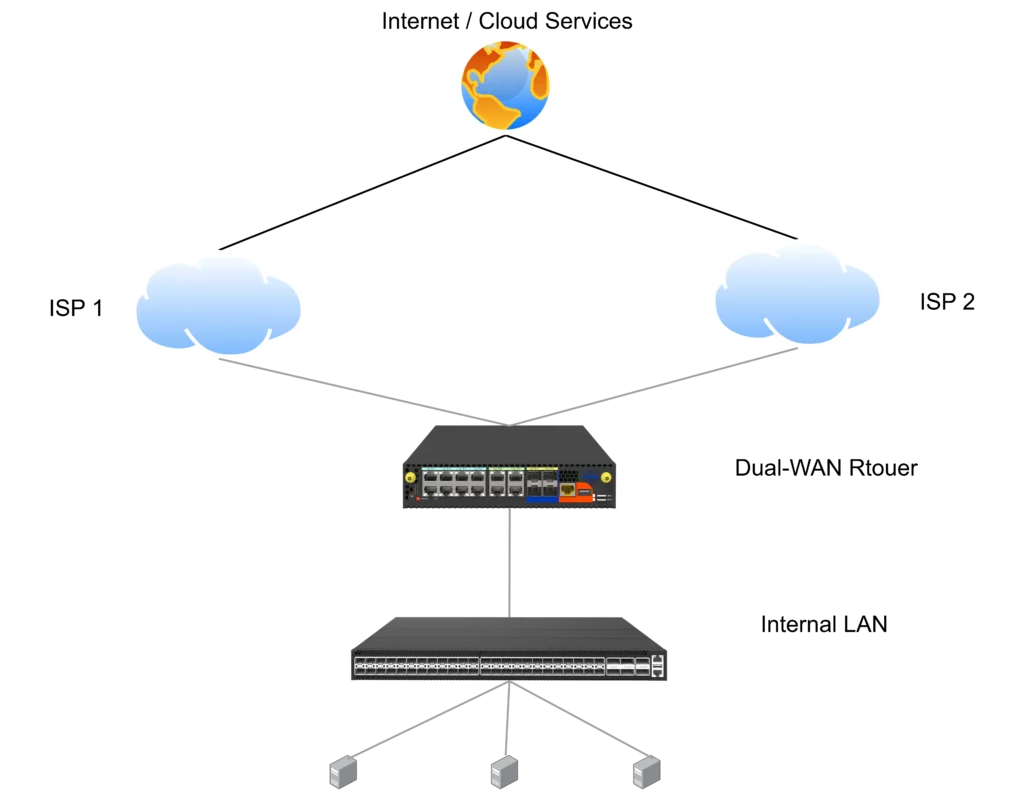
In a Dual-WAN environment, the core component is the Dual-WAN Router, which acts as the central traffic management point. A Dual-WAN Router is a router device that natively supports two WAN interfaces and can simultaneously handle two Internet connections.
Note: When a device supports three or more WAN interfaces, or connects to multiple heterogeneous links such as fiber, 5G/LTE cellular networks, and satellite links, it is commonly referred to as a Multi-WAN Router. Whether it is Dual-WAN or Multi-WAN, the underlying technical principles and traffic scheduling mechanisms remain largely the same.
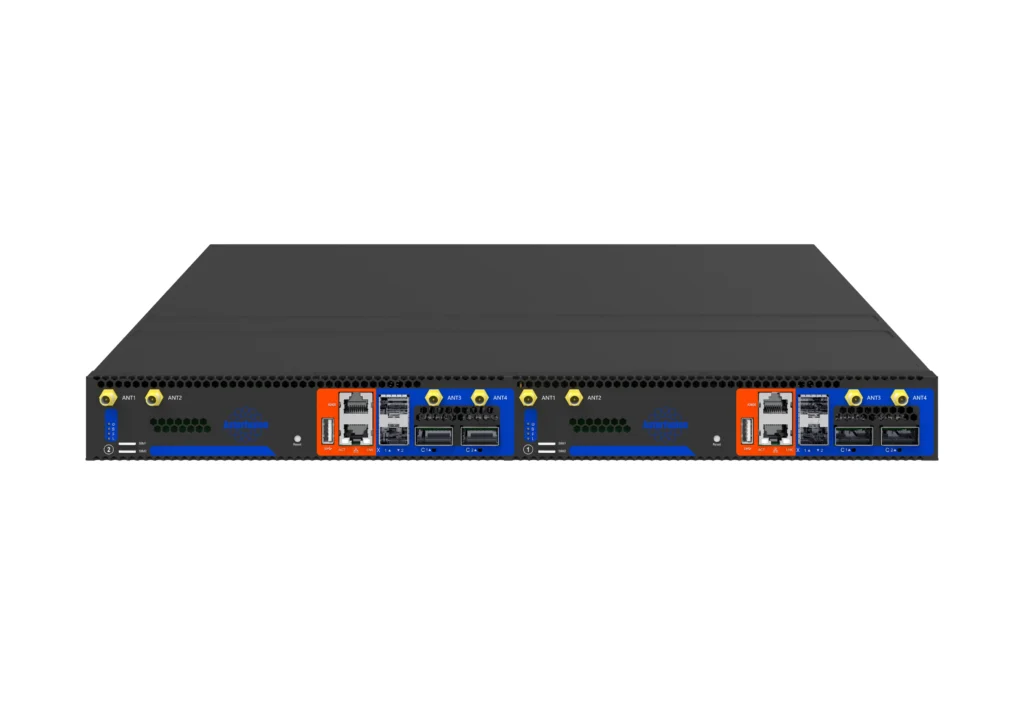
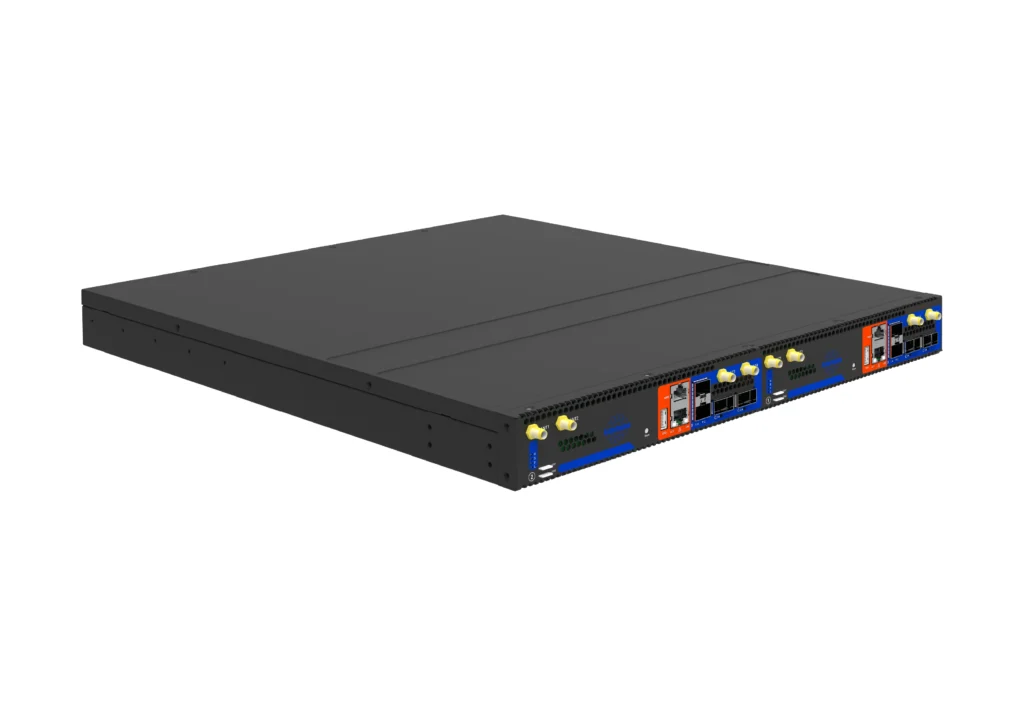
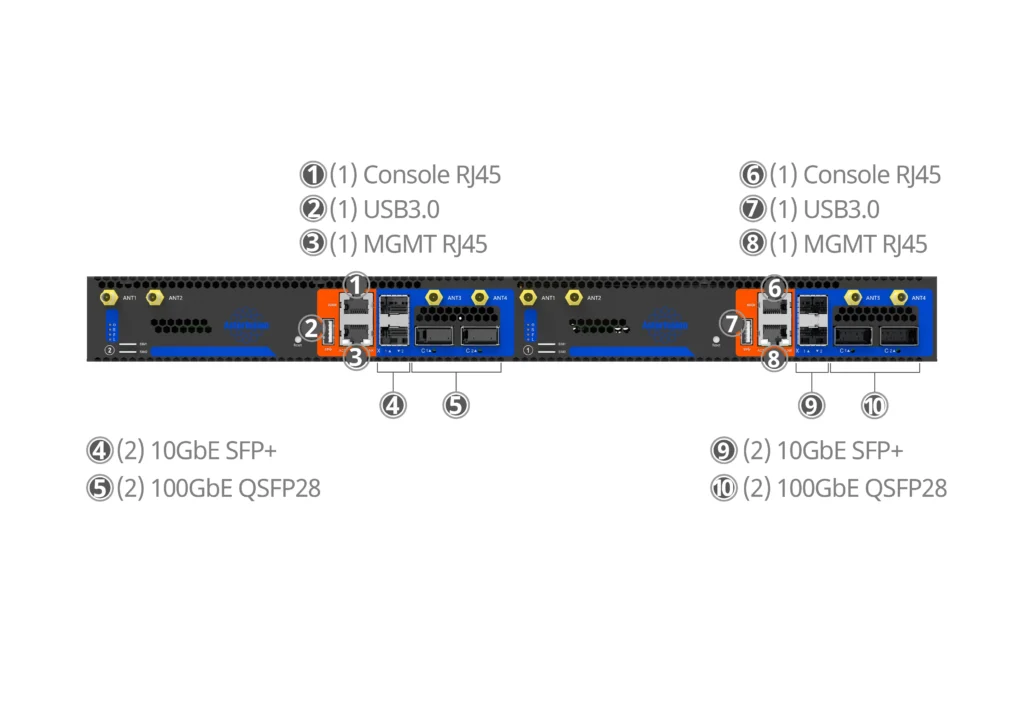
As shown in the figure, taking ET2508 as an example, it acts as an enterprise edge gateway that can simultaneously handle traffic ingress and egress scheduling for two ISP connections, making it a typical Dual-WAN Router deployment.
Based on these capabilities, common Dual-WAN Router use cases include:
- Active-standby failover: Automatically switches to the backup link when the primary connection fails.
- Load balancing: When both links are available, traffic is distributed across the two connections based on configured policies to improve availability and bandwidth utilization.
- Traffic steering: For example, office traffic can use ISP A while video surveillance traffic uses ISP B. Specific applications can also be pinned to a designated link based on traffic policies.
Therefore, Dual-WAN routers are well suited for enterprises, small offices, retail stores, branch offices, and other scenarios that require higher network availability.
Does Your Enterprise Need a Dual-WAN Router?
Not every network environment requires a Dual-WAN deployment. Before introducing a Dual-WAN Router, it is important to evaluate your current network challenges and business requirements.
1. Do you need to connect different types of network links?
For example, an office may use a dedicated fiber connection as the primary link while adding a 4G/5G cellular connection as a wireless backup, or even connecting to a satellite network. A Dual-WAN Router is designed to centrally manage these different types of connections and coordinate traffic across multiple uplinks.
2. Is your business affected by the risks of relying on a single ISP?
If your business is frequently impacted by regional ISP outages, link congestion, or coverage limitations from a single provider, deploying connections from two different ISPs (such as combining two fiber providers or pairing fiber with a cellular link) can significantly reduce connectivity risks.
3. Do you expect future bandwidth expansion requirements?
As business traffic grows, a single Internet connection may eventually become a bottleneck. Instead of continuously upgrading to a higher-cost dedicated link, Dual-WAN strategies can distribute traffic across multiple connections. With sufficient hardware forwarding capability, a router can efficiently aggregate bandwidth and provide a smoother transition as network requirements increase.
4. Do you need edge security control beyond basic connectivity?
Modern enterprise edge devices need more than just Internet access. They are also expected to provide capabilities such as VPN connectivity, Zero Trust Network Access (ZTNA), policy-based isolation, and traffic auditing. Choosing an enterprise-grade Dual-WAN gateway with integrated security features can reduce the need for deploying additional standalone devices.
5. How much network downtime can your business tolerate?
This is the most critical consideration. If your business cannot tolerate even a few seconds of service interruption, redundant links alone are not enough. The network requires physically independent connections, along with a router capable of seamless failover, real-time alerting, and session persistence. Only then can the full value of redundant connectivity be achieved.
What Factors Should Be Considered When Choosing a Dual-WAN Router?
After evaluating your network requirements and confirming that your enterprise needs a Dual-WAN Router, the next key question is: with so many devices available on the market, how can you determine whether a router can support your actual business requirements?
The following four dimensions can help evaluate a Dual-WAN Router.
1. Are the Features Sufficient to Ensure Link Stability?
A Dual-WAN Router should provide the following capabilities to enable fast failover and load balancing.
VRRP & VRRP Sync Group:
When deploying multiple routers for gateway redundancy, VRRP provides active-standby failover, while VRRP Sync Group ensures state synchronization between devices. This helps prevent single points of failure and avoids service interruption caused by inconsistent states between redundant devices.
ACL & PBR (Policy-Based Routing):
ACL controls access permissions, while PBR enables policy-based traffic steering across different WAN links. These features support application-based traffic distribution, priority handling for critical services, and directing specific traffic through designated ISPs.
For example, latency-sensitive SaaS applications can be routed through a low-latency dedicated link, while general traffic can use a lower-cost, high-bandwidth connection.
GeoSite:
Modern SaaS applications and CDN services frequently change their IP addresses, making traditional static IP-based routing difficult to maintain. GeoSite allows traffic policies to be defined based on domains and application categories.
For example, it can dynamically identify services such as Microsoft 365 or overseas SaaS applications, enabling more intelligent and flexible traffic steering.
Other Key Features:
Additional capabilities, including link health monitoring, automatic failover, session persistence, load balancing modes, and QoS, directly affect WAN reliability and availability.
2. Does the Device Support Centralized Remote Management?
For IT teams, centralized remote management is often more important than simply having multiple WAN ports.
An enterprise-grade solution should integrate with a cloud-based controller, such as OpenWiFi Controller, allowing IT teams to monitor WAN performance, real-time link status, and alerts across multiple branch locations from a unified interface.
When a link failure occurs or network policies need to be adjusted, administrators can perform troubleshooting, configuration changes, and software upgrades remotely. This significantly reduces downtime and eliminates the operational cost of sending engineers to remote sites.
Ideally, the same management platform should also support LAN-side devices such as access points and switches, avoiding the need to switch between multiple management systems.
3. How Flexible Are the Dual-WAN Interfaces and Future Expansion Capabilities?
When selecting a Dual-WAN Router, it is important to look beyond the current requirement of connecting two links. The flexibility of WAN interfaces directly determines future scalability.
Physical Ports vs. Logical Port Flexibility
Devices with only two fixed physical WAN ports may become restrictive when network requirements change. A more flexible platform should support software-defined or logical WAN port configuration.
For example, the Asterfusion ET series is based on an enterprise-grade SONiC open architecture DPU platform, allowing any LAN port or logical interface to be redefined as a WAN port when required.
This approach provides greater deployment flexibility and enables a smooth transition from Dual-WAN to Multi-WAN architectures without replacing the hardware.
Can the Platform Evolve to Multi-WAN?
If future requirements include three, four, or more WAN connections, verify whether the device provides sufficient physical interfaces for Multi-WAN deployment and whether traffic policies remain simple to configure and manage.
Does It Support Cellular or USB WAN?
For deployments using 4G/5G as a backup connection, check whether the device supports USB WAN adapters or integrated cellular modules, and whether these connections can be managed through the same traffic policies.
4. Can It Integrate Smoothly into a Zero Trust (ZTNA) Security Architecture?
If your organization plans to deploy Zero Trust, a Dual-WAN Router should provide the following capabilities:
- Integration with identity and policy platforms: Support fine-grained access control based on users, devices, and applications instead of relying only on IP addresses and ports.
- End-to-end encryption and micro-segmentation: Apply consistent security policies across branch offices, cloud environments, and local networks to reduce the risk of lateral movement.
- Integration with SD-WAN / SASE architectures: Many enterprises use Dual-WAN connectivity as part of an SD-WAN or SASE architecture, where multiple links are managed through centralized policies.


