Table of Contents
Introduction
In multicast scenarios, the protocol we cannot do without is PIM. So, what is the PIM protocol? And what exactly is PIM Sparse Mode?
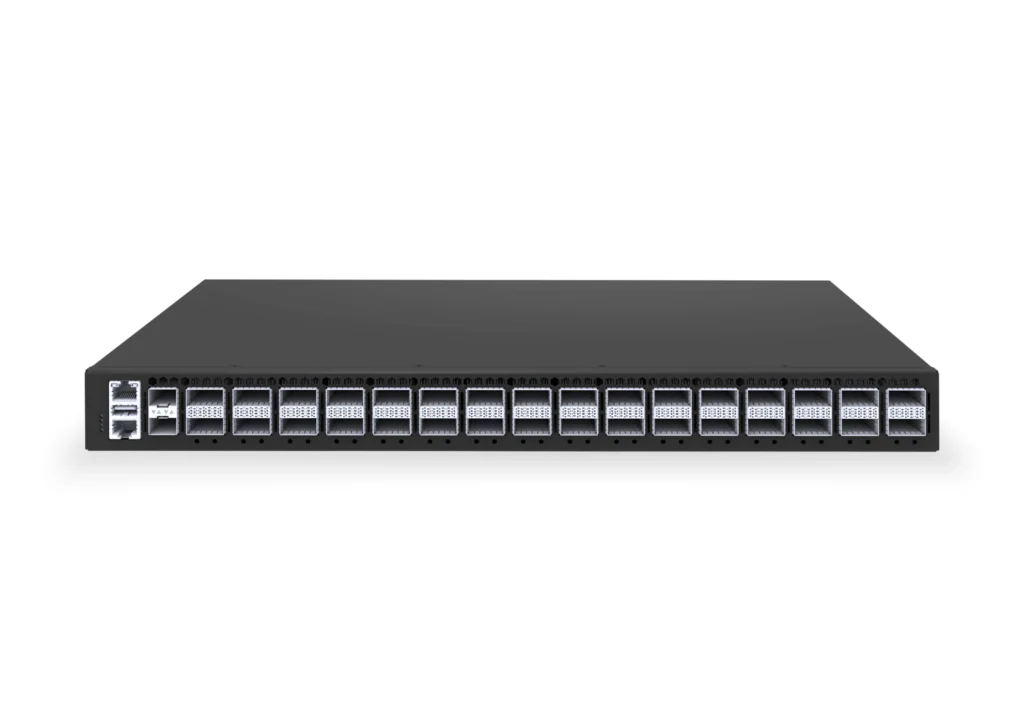
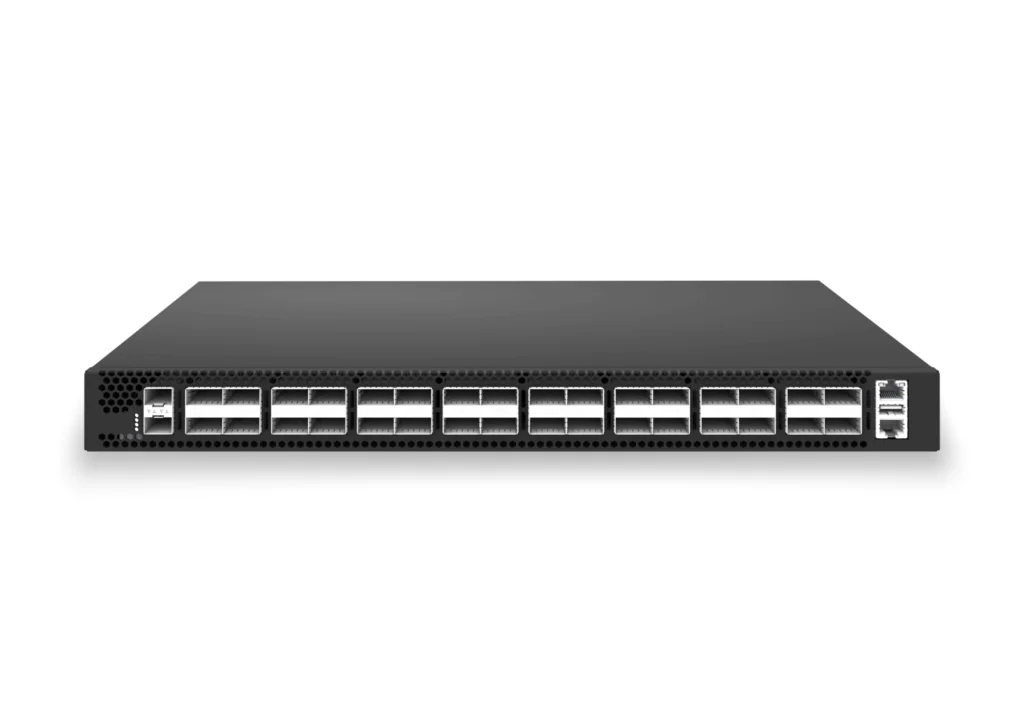
In this article, we will take a detailed look at these topics. Additionally, since Asterfusion Enterprise and Data Center Switches provide strong support for PIM Sparse Mode, we will also explain how to configure PIM Sparse Mode on Asterfusion switches.
Ⅰ. What is PIM and PIM Sparse Mode
In the multicast communication technology system, Protocol Independent Multicast (PIM) has become the core solution for intra-domain multicast routing due to its flexible adaptation capabilities.
What is PIM independent of? It is independent of the network layer protocol. Since multicast runs on the UDP-based transport layer, what it means by “protocol-independent” is that it is independent of the network layer protocol, meaning multicast distribution can be accomplished regardless of the network layer protocol in use.
In a multicast network, there are three essential hardware components:
- Multicast server: the multicast data source
- A network supporting multicast distribution
- Receivers: clients receiving multicast traffic
Based on the concentration of receivers, the PIM protocol can be divided into two working modes: PIM Dense Mode (DM) and PIM Sparse Mode (SM).
In scenarios where terminal users are concentrated, PIM Dense Mode can be used. Its workflow can be roughly divided into:
- Using the push model to push data to you. The multicast data stream floods the network, and downstream nodes prune the traffic if they do not wish to receive it. The process of flooding, pruning, flooding, and pruning continues in a cycle. Because of the continuous flooding operation, the network becomes unstable and seems “inefficient.” Therefore, Dense Mode is rarely used in actual deployments.
In contrast, in scenarios where terminal users are dispersed (e.g., when there are only a few users in each area requiring multicast data), PIM Sparse Mode is adopted. Its workflow is as follows:
- Receivers use the pull model, and multicast data is sent only to the required locations. In this process, receivers explicitly send a “join” message to join a multicast group. In PIM Sparse Mode, the join traffic from receivers first reaches the Rendezvous Point (RP) shared tree, and once the multicast source’s traffic is received, it is forwarded accordingly.
Below are the differences between PIM Dense Mode and PIM Sparse Mode:
| Comparison Dimension | PIM Sparse Mode | PIM Dense Mode |
| Core Distribution Model | “Pull” Model | “Push” Model |
| Working Logic | Receivers explicitly send a “join” request before the distribution path is built in reverse. | Assumes that all nodes need data by default, flooding the entire network first, and then non-demanding nodes send “prune” requests to remove the path. |
| Path Type Support | “Supports both shared trees and source trees: 1. Shared Tree: Rooted at RP, path denoted as (*,G). 2. Source Tree: Rooted at the source, path denoted as (S,G). (Can switch from shared tree to source tree for path optimization)” | “Only supports source trees: Builds paths rooted at the source (S,G), with no shared tree concept.” |
| Dependency on RP | “Strong dependency: RP is the core aggregation point and path construction center. Receivers join via RP, and sources register with RP.” | “No dependency: Does not require RP. Source trees are constructed through flooding-pruning mechanisms between routers.” |
| Initial Data Flow Handling | “Unicast encapsulation registration: The source DR encapsulates multicast data with a unicast Register message and sends it to the RP, which then distributes it along the shared tree. Data is only sent to paths with explicit demand.” | “Flooding across the network: After receiving multicast data, the source DR floods it to all downstream interfaces. Downstream nodes that do not need it send back “prune” messages to stop reception.” |
| Applicable Scenarios | Large-scale networks with sparse receiver distribution and scenarios sensitive to bandwidth utilization. | Small networks with dense receiver distribution or scenarios highly sensitive to multicast delay. |
Ⅱ. RPF and Assert Mechanism Optimize PIM Networking
Before delving into PIM Sparse Mode, it is essential to understand how the RPF mechanism and the Assert mechanism assist in forwarding multicast traffic in PIM networks.
1. RPF (Reverse Path Forwarding) – Loop Prevention
Receivers will check whether the incoming interface of the received data packet matches the outgoing interface towards the multicast source. If they match, the check is successful, and the interface is designated as the RPF interface to forward the data. If they do not match, the multicast packet is discarded. The purpose of this mechanism is to ensure that the data flow does not loop back to the multicast source, maintaining the correct flow from the source to the receiver without any backward flow.
For example, if SW1 is the receiver, and it receives a data packet on interface eth1, while the outgoing interface towards the multicast source is eth2, then the RPF check fails, and the packet is discarded.

2. Assert Mechanism and Redundant Data Flow Pruning
In a Multi-Access (MA) network (such as Ethernet or Token Ring networks), it is possible for multiple PIM routers to be connected to the same network segment, which may lead to multiple routers simultaneously forwarding the same multicast data stream to the segment. This results in bandwidth wastage and data redundancy. To address this issue, the PIM protocol introduces the Assert mechanism to compete for and elect the optimal forwarding router, thereby pruning redundant data flows.
The core logic of the Assert mechanism is: When multiple routers in the same MA network receive the same multicast data stream, they exchange Assert messages. These messages contain information such as the router’s priority and route metrics for reaching the multicast source. By comparing this information, the routers elect the best router (the one with the highest priority; in case of a tie, the one with the lowest metric wins). The elected router is responsible for forwarding the multicast data stream to the MA network, while the other routers stop forwarding the data stream and retain only the receiving capability, thus avoiding data redundancy and optimizing bandwidth utilization.
Additionally, in PIM Sparse Mode, the Assert mechanism also helps determine the optimal router to send the join message upstream, ensuring the uniqueness and stability of the shared tree construction.
Ⅲ. How PIM Sparse Mode Works
In PIM Sparse Mode, both shared tree (RPT) and source tree (SPT) are supported and used in a hybrid manner, with the ability to switch between the two trees.
1. Core Role of the Rendezvous Point (RP)
The Rendezvous Point (RP) is a core component in the PIM Sparse Mode mechanism, serving as the aggregation bridge between multicast sources and receivers.
In a shared tree, the RP role needs to be specified. On Asterfusion platforms, RP can be statically assigned, and it is also possible to dynamically elect an RP using the BSR (Bootstrap Router) protocol. All PIM routers in the network must know the location of the RP to complete multicast flow registration and forwarding.
The core functions of the RP include two aspects:
- Receiving multicast source registration information. The first-hop router of the multicast source encapsulates the source information in a unicast Register message and sends it to the RP to complete the source registration.
- Acting as the root of the shared tree. Receivers establish a connection to the RP by joining the shared tree, enabling them to receive multicast data.
By using RP as an aggregation point, PIM Sparse Mode avoids the need to build complex source-receiver direct paths. Instead, it builds a shared tree relying on the RP, enabling multicast data distribution.
2. Seven Core Message Types in PIM Sparse Mode
According to IETF RFC 7761, PIM Sparse Mode uses seven different types of messages to implement functions such as neighbor discovery, path construction, and data flow control. The purpose and application scenarios of each message type are as follows:
- Hello Message: Used for neighbor discovery and keep-alive between PIM routers. After a router starts, it periodically sends Hello messages to automatically discover neighboring PIM routers and establish neighbor relationships. If a Hello message from a neighbor is not received within the timeout period, the neighbor is considered inactive, and the related neighbor information is deleted.
- Join/Prune Message: This is the core message type in PIM Sparse Mode used to build and maintain multicast paths. Join messages are sent by the receiver-side router upstream, requesting to join the shared tree or source tree of a specific multicast group. Prune messages are used to request the cessation of forwarding for a specific multicast flow, pruning unnecessary paths.
- Assert Message: As described earlier, this message is used in MA (Multicast Access) networks to elect the optimal forwarding router, avoiding the retransmission of redundant data flows and pruning redundant paths.
- Bootstrap Message: Used for dynamic RP discovery. The Bootstrap router uses this message to collect candidate RP information, elect the optimal RP, and synchronize the RP information across the network.
- Candidate-RP-Advertisement Message: Candidate RPs use this message to register with the Bootstrap router, declaring their ability to serve as the RP and the scope of their service.
- Register Message: Sent by the first-hop router of the multicast source to the RP, encapsulating multicast source information and the initial multicast data stream in a unicast message, completing the source registration with the RP so the RP is aware of the multicast source’s presence.
- Register-stop Message: Sent by the RP to the first-hop router of the multicast source to stop the registration process. This message is sent when the RP has established a multicast flow forwarding path (such as a source tree) or when there are no receivers for the corresponding multicast group, in order to prevent unnecessary unicast encapsulated traffic.
3. Three Core Operational Phases of PIM Sparse Mode
The multicast data distribution process in PIM Sparse Mode is divided into three key stages: shared tree creation, source tree (SPT) creation from the source to RP, and SPT switching. These stages are sequentially linked to dynamically build and optimize multicast paths.
Phase One: Shared Tree (*,G) Creation

As shown in the figure, the process for establishing a shared tree is as follows:
- Multicast group receivers (hosts) send IGMP join messages to their directly connected routers, requesting to join the multicast group G, thus declaring their membership.
- The directly connected router (i.e., the last-hop router) records the (*,G) membership for the interface upon receiving the IGMP report and adds the interface to the multicast group G’s exit list.
- The router then queries its RP-Group-Map table to determine the RP address for group G and uses the unicast routing table to find the RPF interface to reach the RP. It then sends a PIM Join message upstream to request to join the shared tree (*,G) rooted at the RP.
- The upstream router repeats this process, forwarding the Join message upstream until it reaches the RP.
At this point, the shared tree (*,G) from the RP to the receiver is fully established, providing the foundation for subsequent data distribution.
Phase Two: Source Tree (S,G) Creation
After the shared tree (*,G) is successfully established, the multicast source starts sending traffic. At this point, the issue arises of how the multicast source’s traffic is sent to the RP after it reaches the first-hop router. This is addressed using the Register message, and the process is as follows:
When multicast source S begins sending multicast data streams, its directly connected first-hop router detects the data flow. The router then queries the RP information to determine the RP corresponding to multicast group G. Next, the first-hop router encapsulates the multicast data packet in a unicast Register message and sends it to the RP, completing the registration of source S with the RP.

After receiving the Register message, the RP first decapsulates it to extract the multicast data stream. If the shared tree for multicast group G already exists (i.e., there are receivers requesting the data), the RP forwards the multicast data stream along the shared tree to the receivers. At the same time, the RP uses the RPF mechanism to find the optimal path to source S and sends a PIM Join message upstream to build a source tree (S,G) from the RP to source S.
Once the source tree is constructed, multicast data from source S can be transmitted directly along the source tree to the RP, without needing to be encapsulated in a unicast Register message anymore. At this point, the RP sends a Register-stop message to the first-hop router to terminate the registration process.

If the RP does not find a shared tree for multicast group G (i.e., there are no receivers requesting the data), it directly sends a Register-stop message to stop the first-hop router’s registration, thus avoiding unnecessary traffic consumption.
At this point, there exists both a source tree (S, G) from the multicast source to the RP, and a shared tree (*, G) from the RP to the receivers, resulting in both source and shared trees coexisting in the network. The network can either keep both distribution trees without switching, or perform an SPT (Source Tree) switch, converting the shared tree into the source tree.

Phase Three: SPT Switchover (From Shared Tree to Source Tree)
Although the shared tree can distribute multicast data, since all data flows must go through the RP, there may be issues with non-optimal paths (e.g., when the RP is far from the receivers or the source). To optimize the transmission path, PIM Sparse Mode supports automatic switching from the shared tree (*, G) to the source tree (S, G). The process is as follows:
When the last-hop router forwards the multicast data flow, it extracts the source IP address S from the packet and determines the exact location of the multicast source. If the router finds that the direct path from itself to source S is more optimal (determined by the unicast routing table’s metrics) than the path through the RP, it sends a PIM Join message upstream to request joining the source tree (S, G), rooted at source S.

The upstream routers forward the Join message sequentially until it reaches the first-hop router. At this point, the source tree (S, G) from the source S to the receiver is successfully built, and the multicast data stream begins to flow directly along the source tree to the receiver. Once the source tree is established, the last-hop router sends a PIM Prune message to the RP, requesting to prune the multicast flow from the shared tree and stop receiving the multicast flow via the RP, thus completing the switch from the shared tree to the source tree.

By switching to the SPT, PIM Sparse Mode ensures that multicast data flows always follow the optimal path, improving forwarding efficiency. At this point, the entire network uses the source tree (SPT).
Ⅳ. How to Configure RP in PIM Sparse Mode on Asterfusion Platforms
A single RP can serve multiple multicast groups, but each multicast group can only be associated with one RP. Currently, on Asterfusion switches, the following methods can be used to configure the RP:
- Static RP: Manually configure the same RP address on all PIM routers in the network.
- Dynamic RP Election: Elect the RP dynamically by configuring the BSR (Bootstrap Router) protocol.
Below, we will use the example of how to configure a static RP:
The host and multicast source are interconnected at Layer 3 through three switches, all running OSPF. The requirement is to enable the host (PC) to access video services from the multicast source via the Layer 3 network for video-on-demand.

1. Device A
# Configure ip address of interfaces
- sonic(config)# interface ethernet 1
- sonic(config-if-1)# ip address 30.1.1.2/30
- sonic(config)# interface ethernet 2
- sonic(config-if-2)# ip address 20.1.1.1/30
# Configure ospf neighbor and distribute route
- sonic(config)# router ospf
- sonic(config-router)# ospf router-id 30.1.1.2
- sonic(config-router)# network 30.1.1.0/30 area 0.0.0.0
- sonic(config-router)# network 20.1.1.0/30 area 0.0.0.0
# Configure the PIM interface, enable multicast routing and forwarding, set a static RP address, and activate the source-side DR’s capability to forward unknown multicast traffic.
- sonic(config)# interface ethernet 1
- sonic(config-if-1)# multicast-enable
- sonic(config-if-1)# ip pim
- sonic(config)# interface ethernet 2
- sonic(config-if-2)# multicast-enable
- sonic(config-if-2)# ip pim
- sonic(config)# ip pim rp 20.1.1.2 224.1.1.0/24
- sonic(config)# unknown-multicast trap
2. Device B
# Configure ip address of interfaces
- sonic(config)# interface ethernet 1
- sonic(config-if-1)# ip address 10.1.1.1/30
- sonic(config)# interface ethernet 2
- sonic(config-if-2)# ip address 20.1.1.2/30
# Configure ospf neighbor and distribute route
- sonic(config)# router ospf
- sonic(config-router)# ospf router-id 20.1.1.2
- sonic(config-router)# network 10.1.1.0/30 area 0.0.0.0
- sonic(config-router)# network 20.1.1.0/30 area 0.0.0.0
# Configure the PIM interface, enable multicast routing and forwarding, set a static RP address, and activate the source-side DR’s capability to forward unknown multicast traffic.
- sonic(config)# interface ethernet 1
- sonic(config-if-1)# multicast-enable
- sonic(config-if-1)# ip pim
- sonic(config)# interface ethernet 2
- sonic(config-if-2)# multicast-enable
- sonic(config-if-2)# ip pim
- sonic(config)# ip pim rp 20.1.1.2 224.1.1.0/24
3. Device C
# Configure ip address of interfaces
- sonic(config)# vlan 100
- sonic(config)# interface ethernet 10
- sonic(config-if-10)# switchport access vlan 100
- sonic(config)# interface ethernet 1
- sonic(config-if-1)# ip address 10.1.1.2/30
- sonic(config)# interface vlan 100
- sonic(config-vlanif-100)# ip address 100.1.1.1/24
- sonic(config-vlanif-100)# exit
# Configure ospf neighbor and distribute route
- sonic(config)# router ospf
- sonic(config-router)# ospf router-id 10.1.1.2
- sonic(config-router)# network 100.1.1.0/24 area 0.0.0.0
- sonic(config-router)# network 10.1.1.0/30 area 0.0.0.0
# Configure the PIM interface, enable multicast routing and forwarding, set a static RP address, and activate the source-side DR’s capability to forward unknown multicast traffic.
- sonic(config)# interface ethernet 1
- sonic(config-if-1)# multicast-enable
- sonic(config-if-1)# ip pim
- sonic(config)# interface vlan 100
- sonic(config-vlanif-100)# ip igmp
- sonic(config-vlanif-100)# ip pim
- sonic(config)# ip pim rp 20.1.1.2 224.1.1.0/24
4. Verify configuration
The PC initiates a video-on-demand request for multicast source video services. Devices A, B, and C can dynamically establish PIM entries and perform guided forwarding.
For more information on PIM sparse mode configuration, please refer to: AsterNOS Documentation
Ⅴ. Conclusion
PIM Sparse Mode, as a multicast routing protocol based on the “Pull” model, relies on the RP at its core and the dynamic construction of shared and source trees to enable on-demand multicast data flow distribution, solving the multicast resource wastage problem in large-scale, sparsely distributed networks. The RPF mechanism, Assert mechanism, and SPT switching functionality together form an efficient, flexible, and scalable multicast solution. Compared to PIM-DM, PIM Sparse Mode is more widely applicable, ensuring stable and efficient multicast services by optimizing paths and resource allocation in both small-scale, densely populated networks and large-scale, sparsely populated networks.
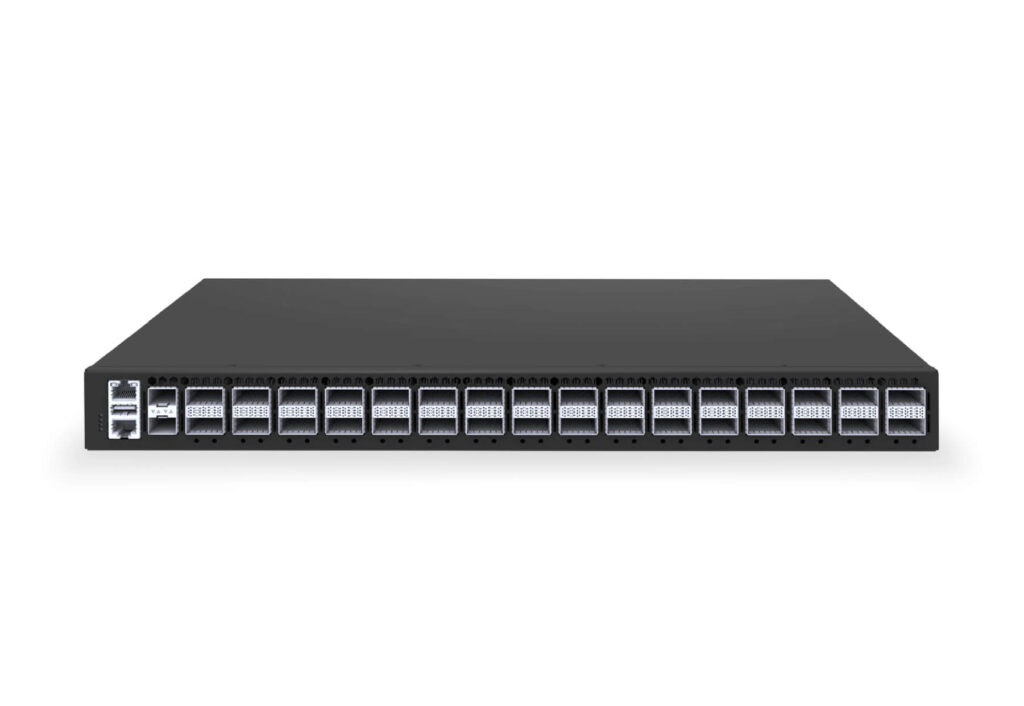
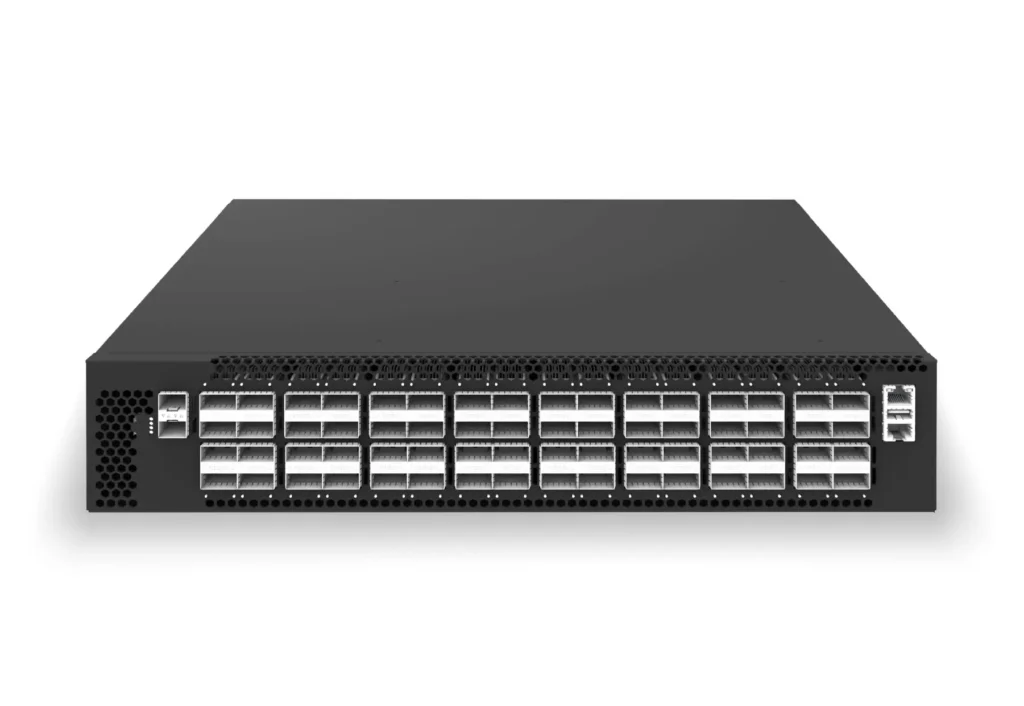
Asterfusion’s campus and data center series switches fully and stably support PIM Sparse Mode, specifically PIM-ASM, offering various core mechanisms, simple configuration methods, and reliable operational support. This provides powerful support for users to quickly build high-performance multicast networks and meet diverse business needs.

Contact US !
- To request a proposal, send an E-Mail to bd@cloudswit.ch
- To receive timely and relevant information from Asterfusion, sign up at AsterNOS Community Portal
- To submit a case, visit Support Portal
- To find user manuals for a specific command or scenario, access AsterNOS Documentation
- To find a product or product family, visit Asterfusion-cloudswit.ch


